
ConfShare
Put one QR code on your first slide. While you're being introduced, the room scans it and has your slides, links and contact details on their phone for the whole talk, and long after.
No app for the audience, no sign-up, no email address asked for. Free for speakers. Not open for sign-ups yet.
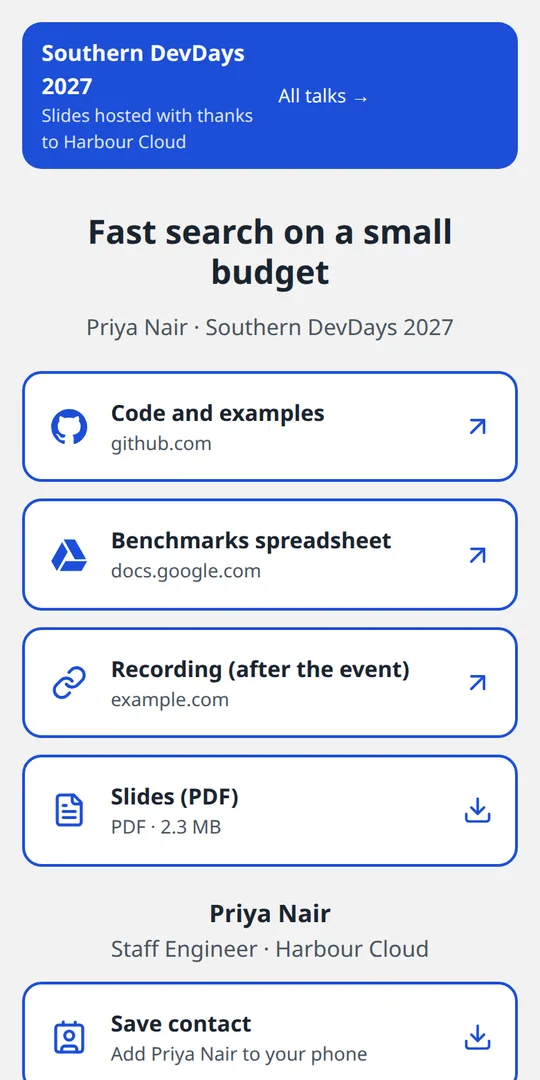
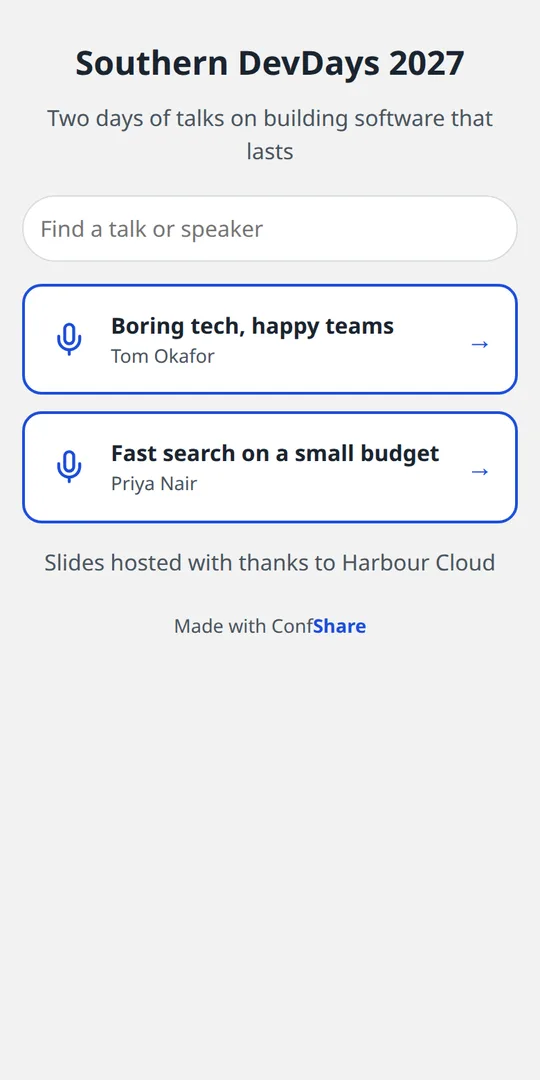
Why use it
"I'll share the slides later" almost never happens, and the people who wanted them are long gone.
Speakers end up pasting a long link on the last slide that nobody can type, or emailing a PDF to an organiser who forgets to send it on. The audience wants a handout, the links you mentioned and a way to find you afterwards. They want it on the phone already in their hand, while you are still talking.
ConfShare gives each talk one short page that does all of that, and a QR code that never changes. Put the code on your title slide once. Update the files whenever you like, before the talk or after it, and the same code keeps working.
No more of this
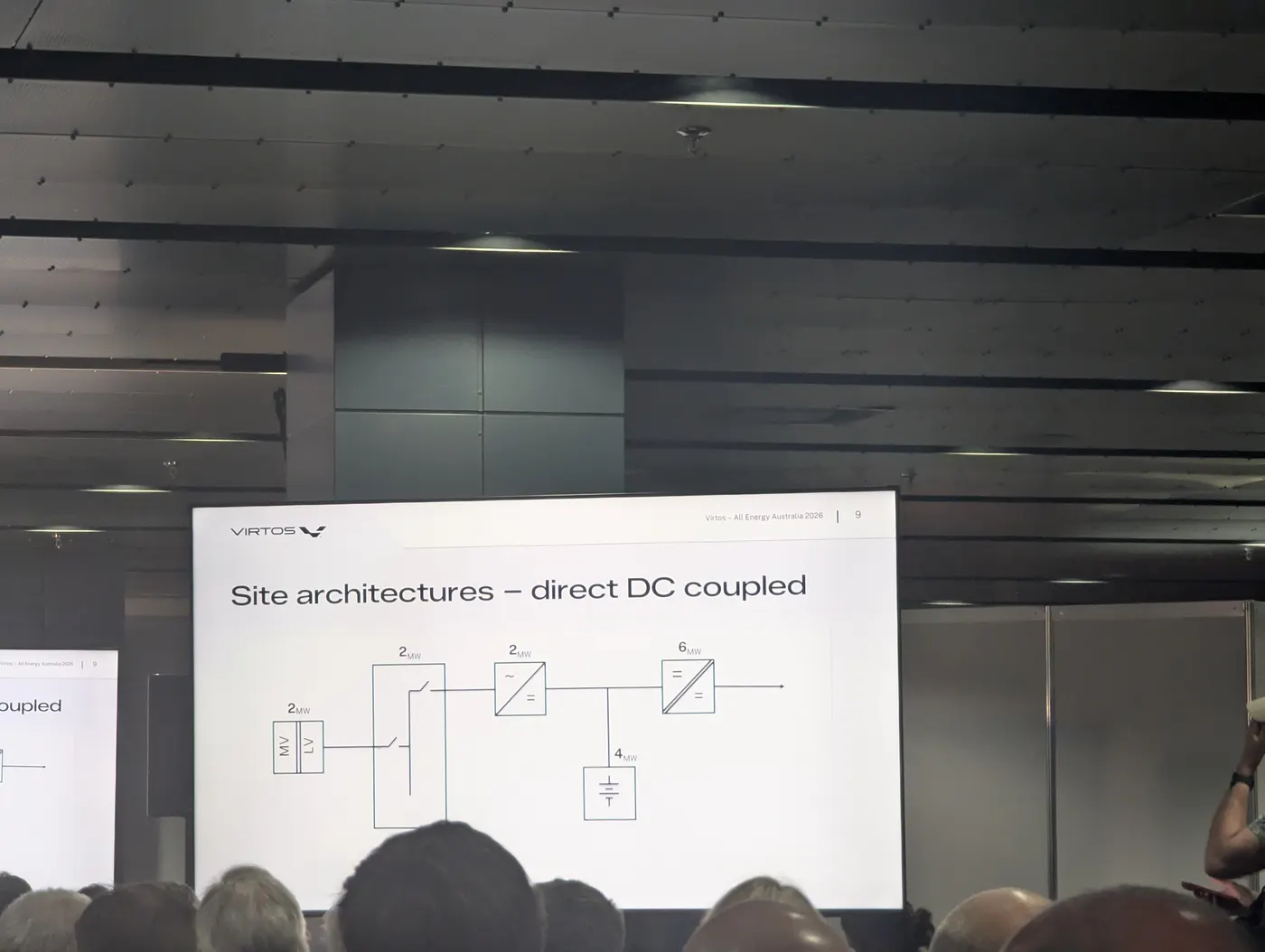
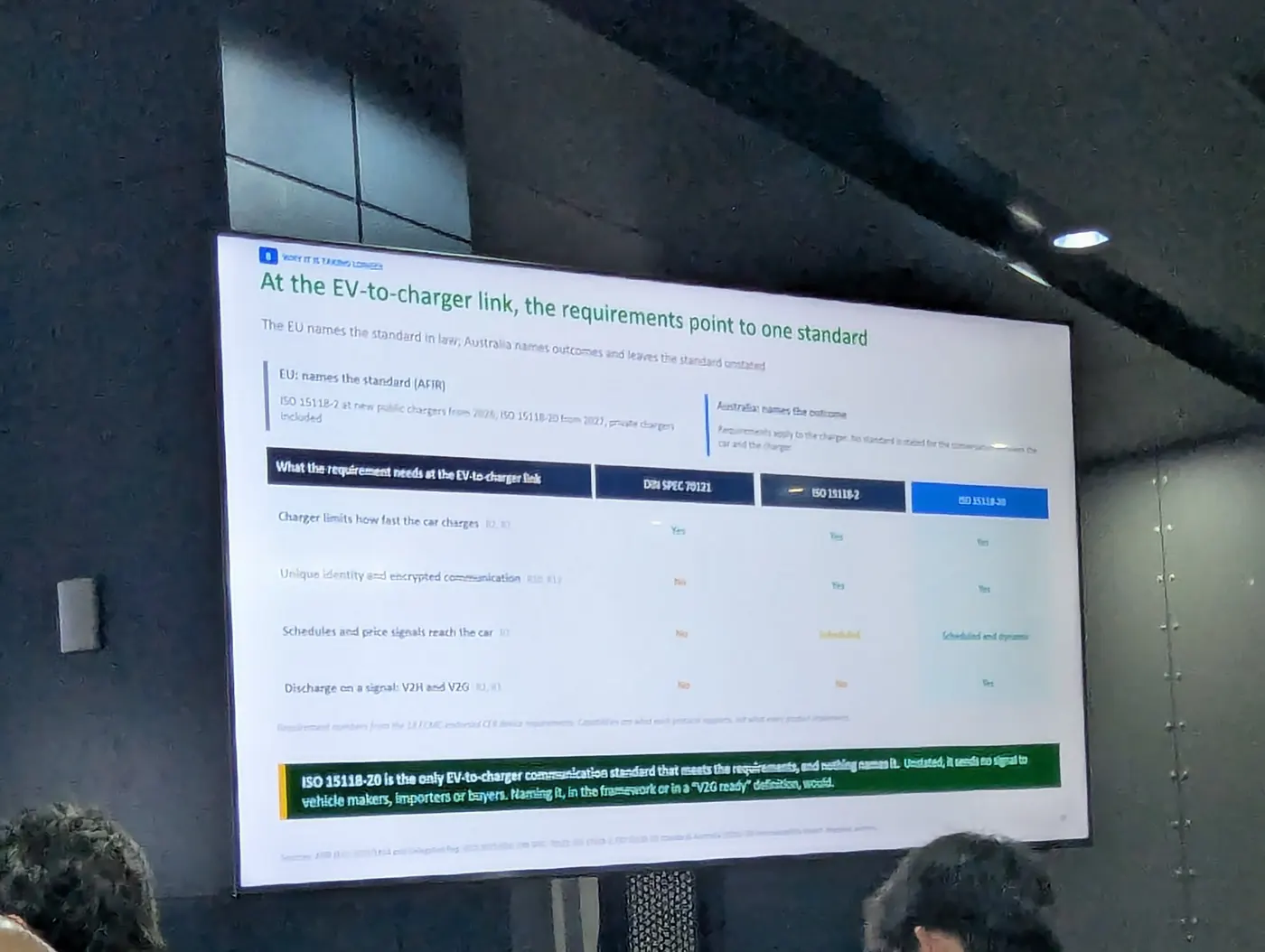
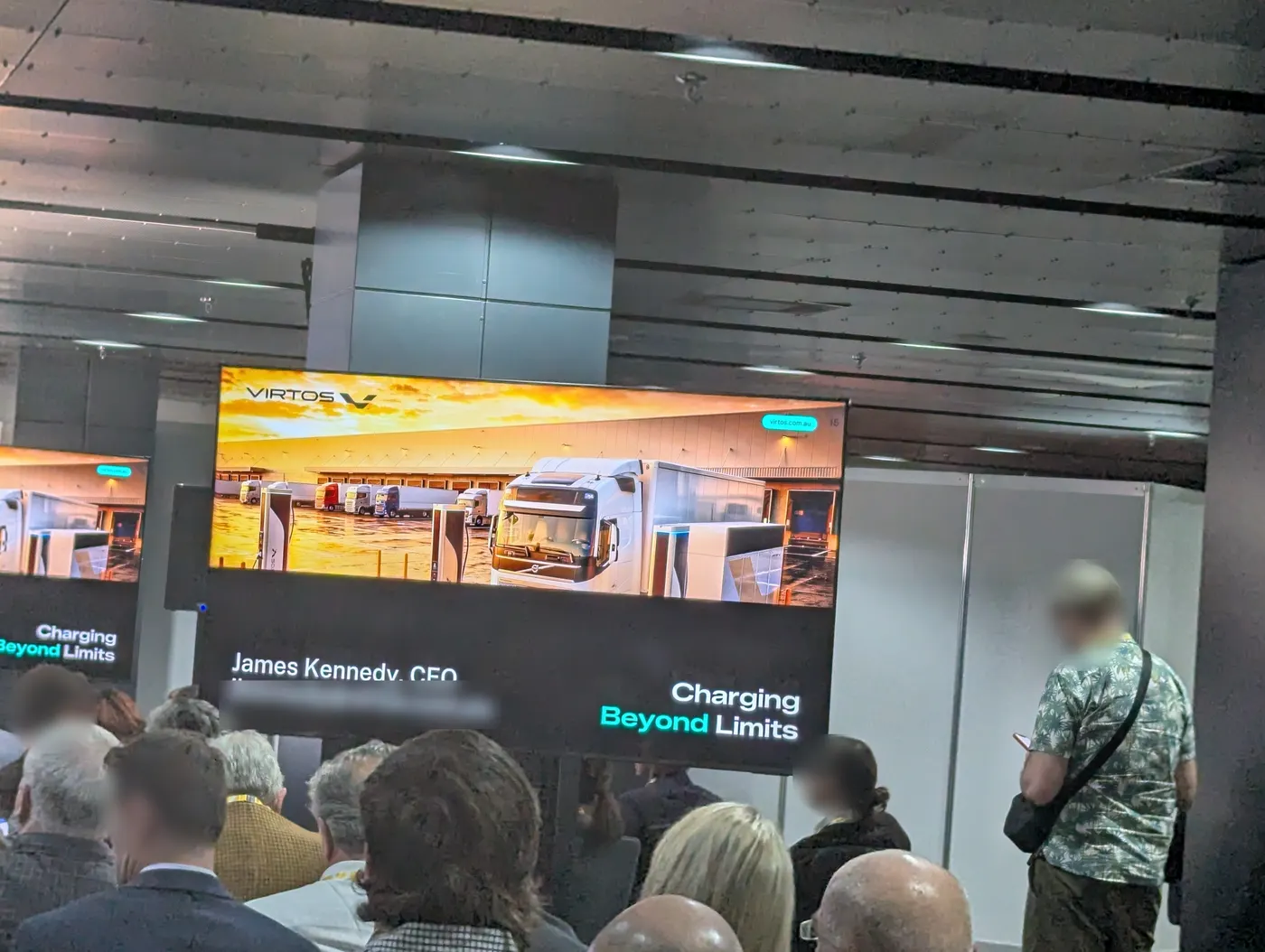
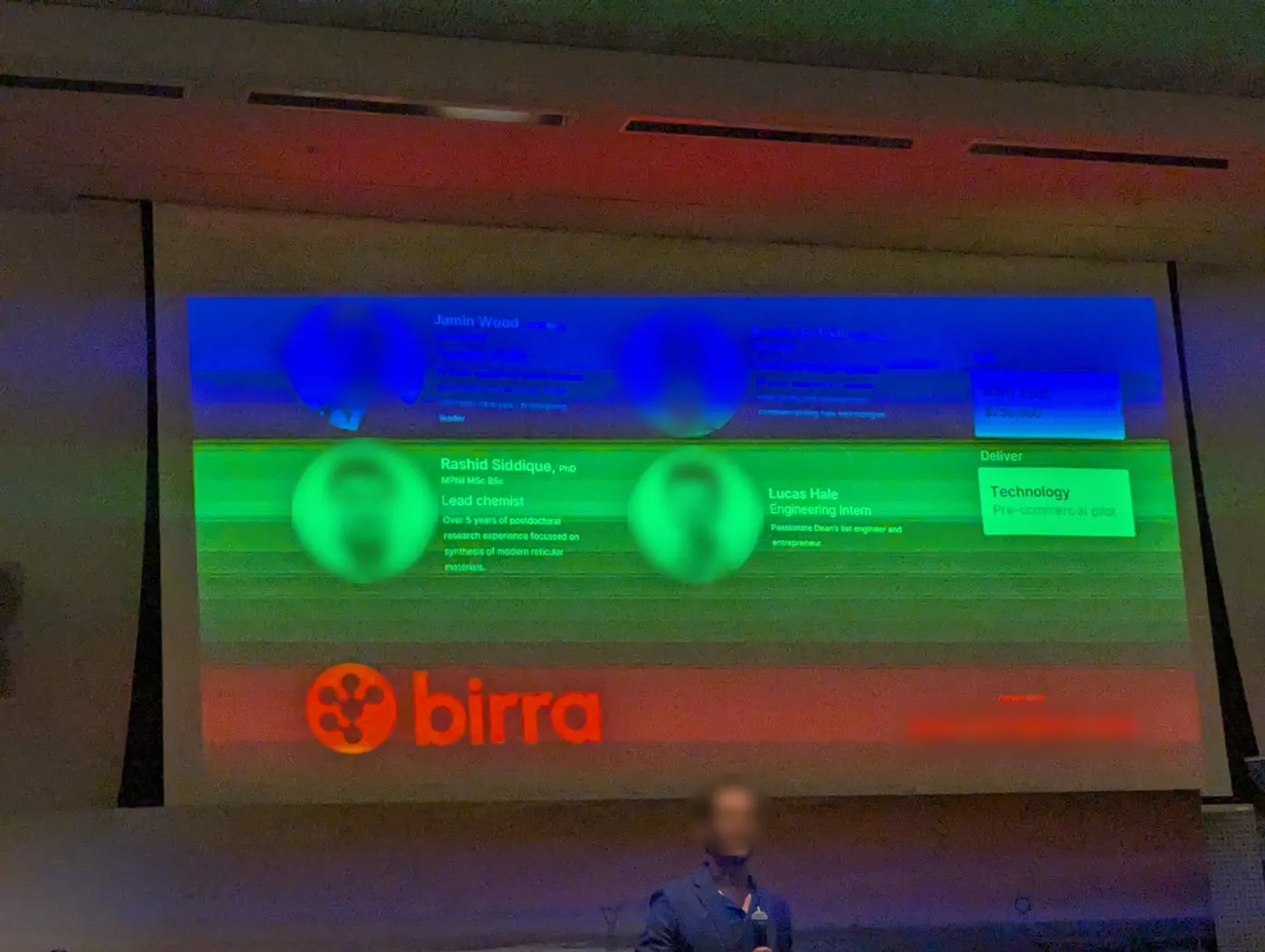
These are slides I photographed from the audience at a conference in October. Faces and email addresses are blurred, but the problems are all real. Most of us end up with a camera roll like this.
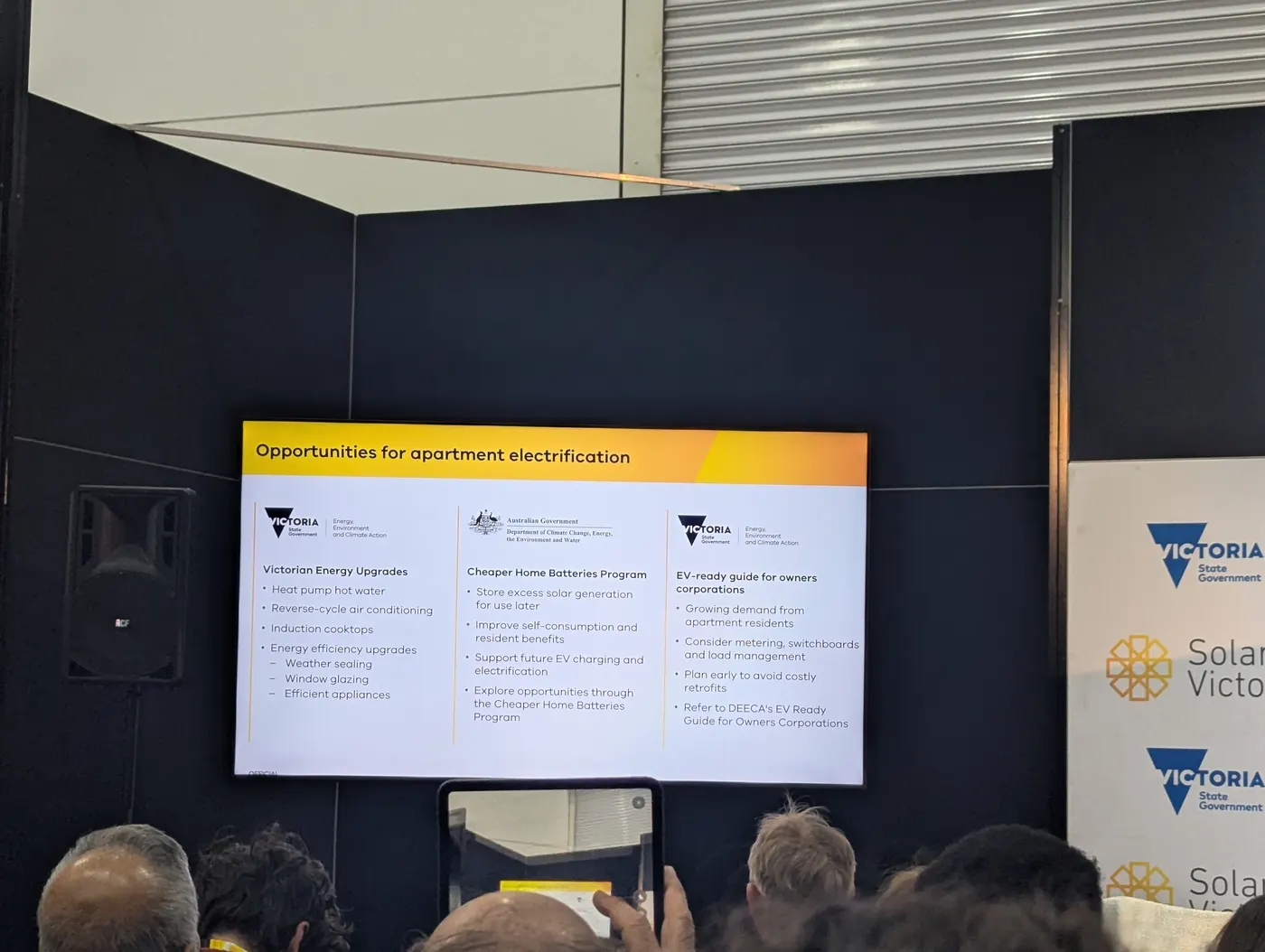
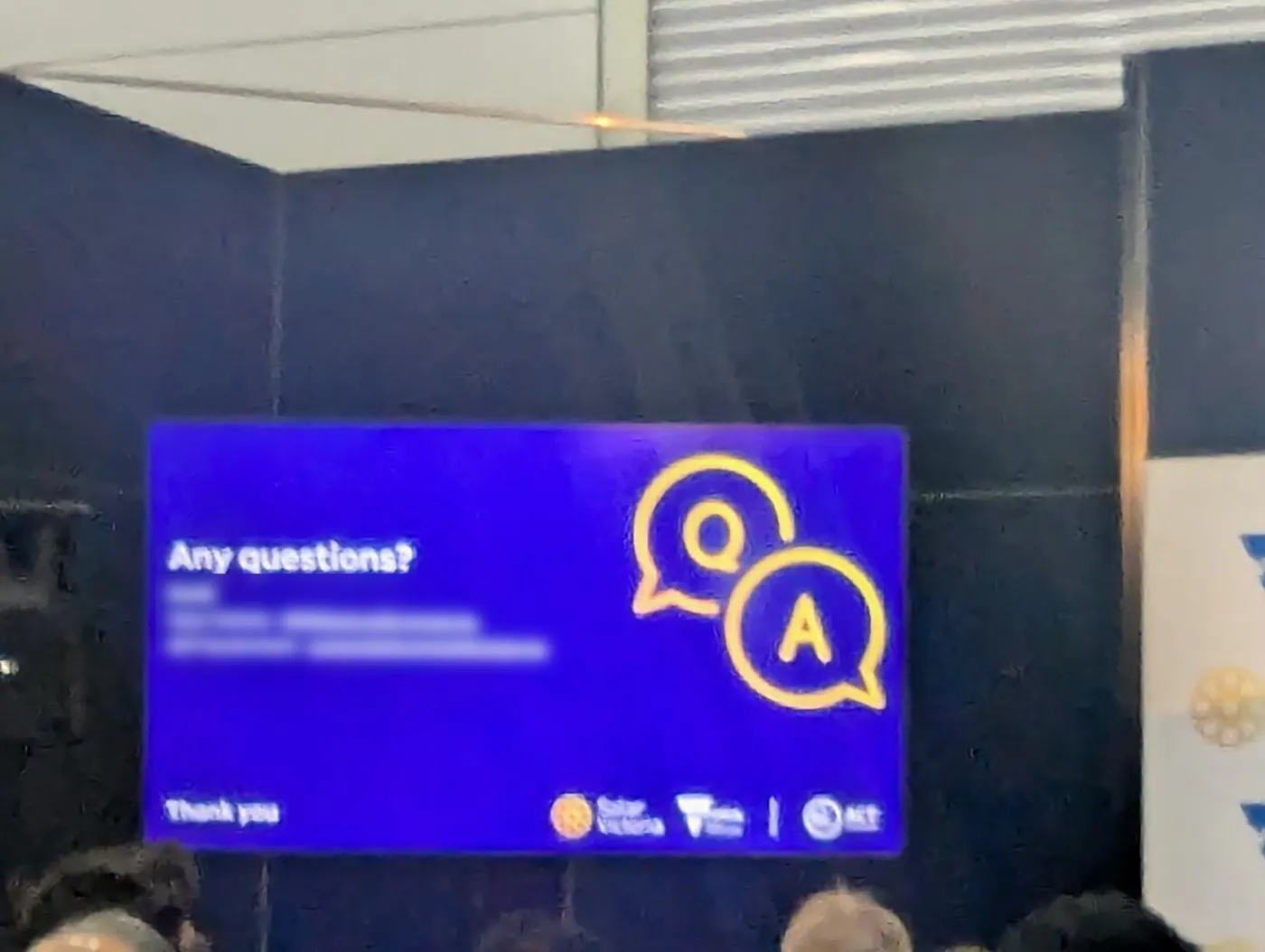
Instead, do this
- Scan one QR code and get the slides the speaker actually made, as a file you can keep.
- Tap the links, instead of typing them from across the room.
- Get the speaker's contact details as a Save contact button, not a blurry email address.
How it works
Three steps, and the first two take a few minutes.
Make your talk page
Upload your slides, or paste a Dropbox, Google Drive or OneDrive link. Add any links you mention on stage and put your own profile links under them.
Put the QR on slide one
Download the QR code as SVG or PNG and drop it on your title slide. It never changes, even when you swap the files.
The room scans it
One big button per file, on any phone. Nothing to install, nothing to sign up for, and no email address to hand over.
What it looks like
Screenshots from a test copy of the app, with made-up speakers and talks.
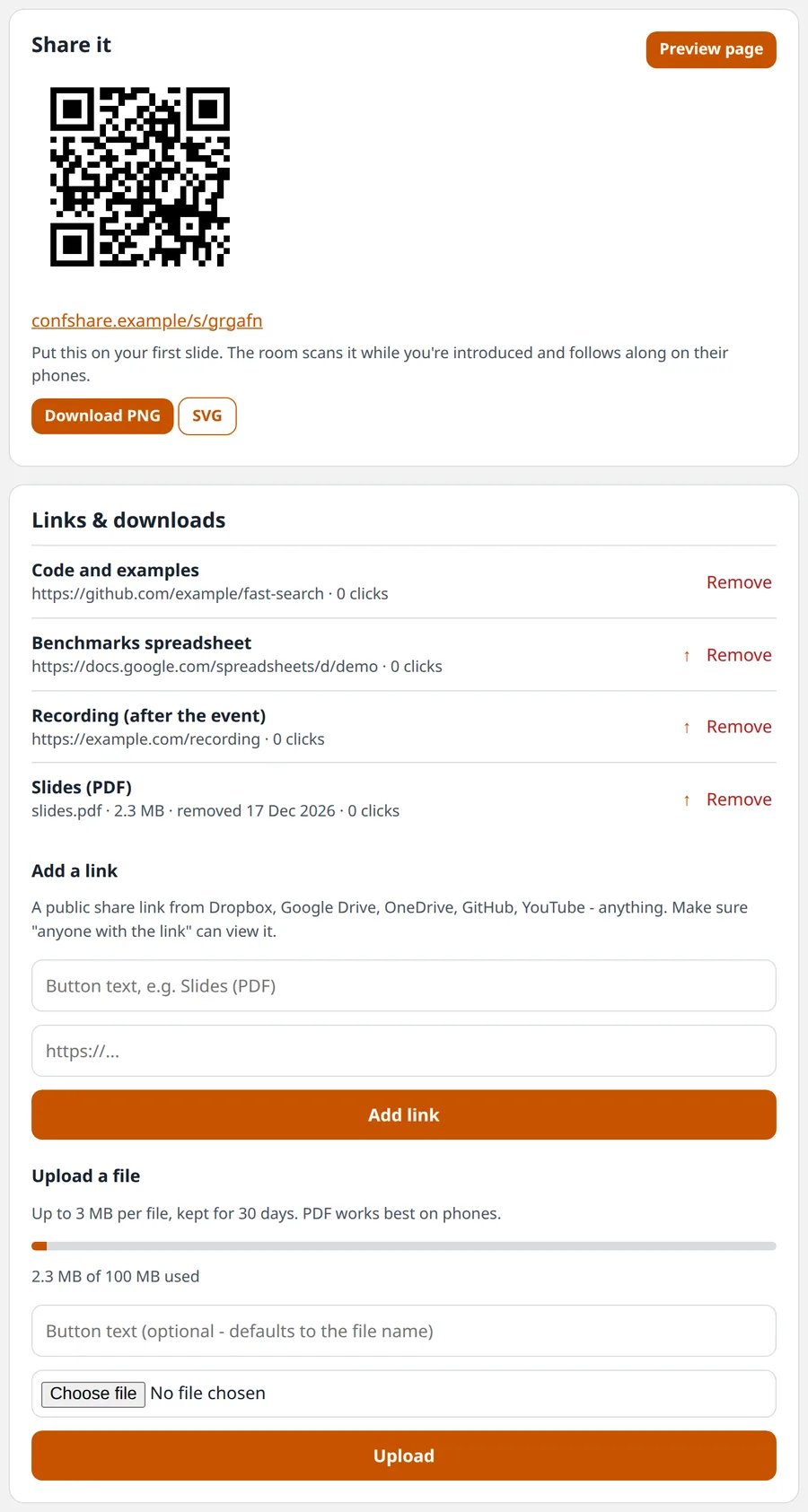
What you get
Built for the five minutes before a talk starts, and for the weeks after it.
For speakers
- Slides, handouts and links on one mobile-first page
- Your LinkedIn, Mastodon, Threads, X and website under every talk
- An optional "Save contact" card, straight into their phone
- Preview before you present, update files any time
- See how many people opened the page and each file
For organisers
- One branded page for the whole event: your logo, your colours
- Every talk's slides in one place, searchable by title or speaker
- Speakers join with a code, so you never chase files by email
- Its own QR code for lanyards, the program and the opening slide
- Your sponsor credited on every page, and no ads for your speakers
Plans
Every plan includes the QR code.
Free
$0
- We host your files
- 100 MB in total, 3 MB per file
- Files kept 30 days
- Ad supported
Links
$0
- Link to Dropbox, Google Drive, OneDrive or anywhere
- Unlimited links
- No ads
Pro
$5 / month
- We host your files
- 5 GB in total, 50 MB per file
- Nothing expires
- No ads
Conference page
from $99 / event
- Logo, colours and sponsor line
- A join code for your speakers
- Its own QR code
- No ads on any listed talk
Prices are the planned ones. There is no automatic billing yet: for now I switch Pro and conference pages on by hand, so email me first.
The audience's side
The people scanning the code never get asked for anything.
- No account, no email, no app.A talk page is a normal web page. Opening it and downloading a file takes no sign-up. The speaker sees how many people opened it, not who they were.
- A room full of scans is fine.In production, hosted slides are served from a CDN, not from the app, so a whole hall scanning the code at once doesn't slow it down.
- Uploaded files can't touch the app.Files are served from a different address to the app itself, so an uploaded file can never reach anyone's sign-in cookie. Only slide and document types are accepted, and web pages are refused.
- The free plan has ads, and it says so.Free talk pages carry an ad. A sponsored conference page, or a Links or Pro plan, removes it.
Where it is today
ConfShare works end to end, and I run a test copy of it. It isn't open to the public yet.
Billing isn't built, so paid plans and conference pages are set up by hand. The address is settled: confshare.com. QR codes point there, and because a code printed on a slide has to keep working for years, I'm making sure the production setup is solid before I hand any out. Free hosted files are deleted after 30 days; the Links plan avoids that by pointing at files you already keep elsewhere.
Want to try it?
If you have a talk coming up, or you run a conference and want one page for every speaker's slides, tell me about it. I'll say plainly whether ConfShare is ready for what you need.
Questions
Do I have to upload my slides?
No. Paste a public share link from Dropbox, Google Drive, OneDrive, GitHub, YouTube or anywhere else, and the page shows a button for it. The Links plan is for exactly that: nothing is uploaded and there are no ads.
What happens if I change my slides after the talk?
Swap the file or link on your page. The QR code stays the same, so the people who scanned it get the new version next time they open it.
Does the QR code ever change?
No. It points at your talk page, and that address is permanent. It points at confshare.com, which I own, so the address won't move out from under a printed slide.
How long do free files last?
30 days on the Free plan, then they are deleted. Pro files never expire, and links are yours to keep alive.
What do conferences get that speakers don't?
A page for the whole event with your logo, colours and a sponsor line, a join code speakers use to add their talk, and its own QR code. Every talk listed on it shows no ads, and attendees can search across all of them.
Can the audience save my contact details?
If you switch it on, your page shows a "Save contact" button that adds you to their phone, along with the profile links you chose. Both are optional.
Is it open source?
Not yet. The code is in a private repository. If you want to look before relying on it, ask.